

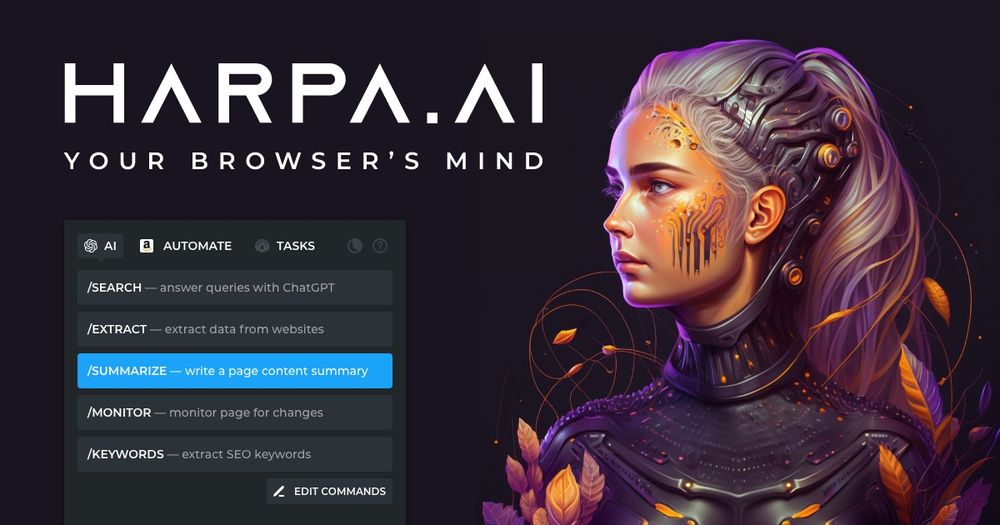
HARPA AI – AI Agent for Web Browsing
HARPA AI is a hybrid AI‑engine browser extension that combines the power of multiple large language models (OpenAI ChatGPT, GPT‑4o, Anthropic Claude 3.7, Google Gemini 2.5, Perplexity, DeepSeek, Meta Llama) with a built‑in web‑automation engine. By pressing Alt + A you can summon any of these models on any web page, let them read the content, extract data, answer questions, or trigger actions such as clicking, form‑filling, and IFTTT/Zapier workflows.
Key Features
- Multi‑model support – Switch between ChatGPT, Claude, Gemini, Perplexity, DeepSeek, Llama or your own OpenAI/Claude API keys.
- Context‑aware AI – The extension reads the current page, selected text, YouTube transcripts, PDFs, or any web content and feeds it to the LLM.
- Browser automation – Navigate, click, scrape, monitor page changes, and trigger external automations (Zapier, Make.com, n8n).
- Ready‑to‑use prompts – Over 100 pre‑built AI commands for SEO, copywriting, email drafting, code review, price‑drop alerts, Midjourney prompt generation, language learning, etc.
- Privacy‑by‑design – Runs locally, no data is stored on HARPA servers; only the LLM provider sees the prompt. GDPR‑compliant and ISO‑27001 certified.
- Cross‑browser – Available for Chrome, Brave, Edge, Opera (Firefox planned).
- Custom agents – Create your own GPT‑powered agents that can access page content, search, and automate tasks for teams.
Typical Use Cases
| Domain | What HARPA can do | Example Prompt |
|---|---|---|
| Productivity | Summarize articles, extract tables, rewrite text, generate meeting agendas. | Summarize this article in 3 bullet points |
| Email & Communication | Categorize inbox, draft replies in your tone, generate LinkedIn messages. | Write a polite reply to this client email |
| Marketing & SEO | Keyword research, SEO audit, content calendar, price‑drop alerts. | Find long‑tail‑keywords for “AI browser extension” |
| Copywriting | Generate blog outlines, social media posts, ad copy, Midjourney prompts. | Create a 5‑point LinkedIn post about AI automation |
| Development | Extract code snippets, explain errors, refactor between languages. | Convert this Python function to JavaScript |
| Learning | Language practice, grammar checks, quiz generation. | Explain the difference between “affect” and “effect |
| E‑commerce | Track product price changes, monitor stock, scrape competitor listings. | Alert me when this Amazon product drops below $50 |
Frequently Asked Questions
-
What is HARPA AI? A browser extension that merges large language models with web automation, turning any site into an AI‑powered workspace.
-
Is there a free tier? Yes – a basic free plan with limited premium features; paid S plan starts at $12 / month (annual).
-
Do I need an OpenAI account? Only for GPT‑based on features; you can also use Claude, Gemini, DeepSeek, or the built‑in CloudGPT connection.
-
How does privacy work? HARPA runs locally, never logs page content. Prompts are sent directly to the selected LLM provider and are not stored by HARPA.
-
Can I use it on multiple browsers? Currently Chrome‑based browsers (Chrome, Brave, Edge, Opera). Firefox support is planned.
-
What automation integrations are available? Zapier, Make.com, n8n, IFTTT, custom webhooks, and built‑in page monitors.
-
How to switch models? Use the model selector in the chat panel or type shortcuts like
-4for GPT‑4,-cfor Claude, etc.
Why Choose HARPA?
- All‑in‑one – No need to install separate extensions for each AI service.
- Speed & performance – Optimized to run without heavy CPU usage when idle.
- Extensible – Create custom agents, add your own prompts, and integrate with any web service.
- Trusted – Over 500 k professionals, 4.7‑star rating, ISO‑27001 and GDPR certifications.


