

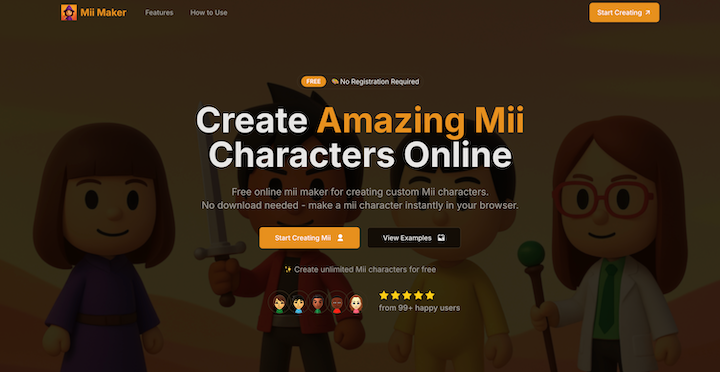
Mii Maker Online – Free Mii Creator & Character Builder
Mii Maker Online is a web‑based tool that lets anyone create custom Nintendo‑style Mii avatars directly in the browser. No software installation, no account creation, and no hidden fees – just an intuitive interface that mirrors the classic Mii creator experience while adding modern conveniences like real‑time preview, instant saving, and easy sharing.
Key Features
- Instant Mii Creation – Design a Mii in seconds using a drag‑and‑drop style UI that updates the avatar in real time.
- No Download / No Registration – All processing happens client‑side; you can start creating immediately without signing up.
- Rich Customization – Adjust facial features, hairstyles, eye shape, colors, clothing, and accessories with fine‑grained controls.
- Cross‑Platform Compatibility – Works on desktop, tablet, and mobile browsers, ensuring a seamless experience on any device.
- Instant Save & Export – Download your Mii as PNG or share a direct link; the tool also supports copying to clipboard.
- Responsive Design – The layout adapts to different screen sizes, providing a consistent experience across devices.
- Showcase Gallery – Browse community‑submitted Miis for inspiration and see how others use the tool.
Use Cases
- Gamers looking to create a personalized avatar for Nintendo Switch, Wii U, or other platforms.
- Content Creators who need custom characters for streams, thumbnails, or social media posts.
- Educators & Students using Miis for classroom projects, presentations, or digital storytelling.
- Parents & Kids seeking a safe, fun, and free activity that encourages creativity without ads or data collection.
How It Works (4 Simple Steps)
- Open Mii Maker – Click the Start Creating Mii button to launch the editor.
- Design Your Mii – Use the intuitive sliders and selectors to shape facial features, pick hairstyles, outfits, and accessories.
- Preview & Adjust – See changes instantly; tweak until the avatar looks just right.
- Save & Share – Export the Mii as an image file or copy a shareable link.
Frequently Asked Questions
Q: Do I need an account? A: No. The tool is completely free and does not require any registration.
Q: Is there any cost? A: Absolutely free. All features are available without hidden fees or premium tiers.
Q: Can I use it on mobile? A: Yes. The editor is fully responsive and works on smartphones and tablets.
Q: What file formats can I export? A: Currently PNG images are supported, and you can copy the image directly to the clipboard.
Q: Is my data stored? A: All creation happens locally in your browser; no personal data is saved on the server.
Why Choose Mii Maker Online?
- Speed – Create a Mii in under a minute.
- Simplicity – Minimal learning curve with a clean UI.
- Freedom – Unlimited creations, no restrictions.
- Community – Access a gallery of user‑generated Miis for ideas.
Start building your perfect Mii today – just open the site and let your imagination run wild!


